.png)
Start for free
We respond within 24 hours. Please note we only respond to business inquiries.

Allow cookies to watch this video
Alternatively, you can watch the video on our YouTube channel.
The AI control system for presentations
Enforce company-wide standards and personalize for every audience
Built for higher standards

Apply company-wide content, design and compliance standards through structured rules, deterministic checks and specialized Review Agents.

Adapt presentation storylines with approved content modules to every audience. You define the message and boundaries; AI personalizes within them.

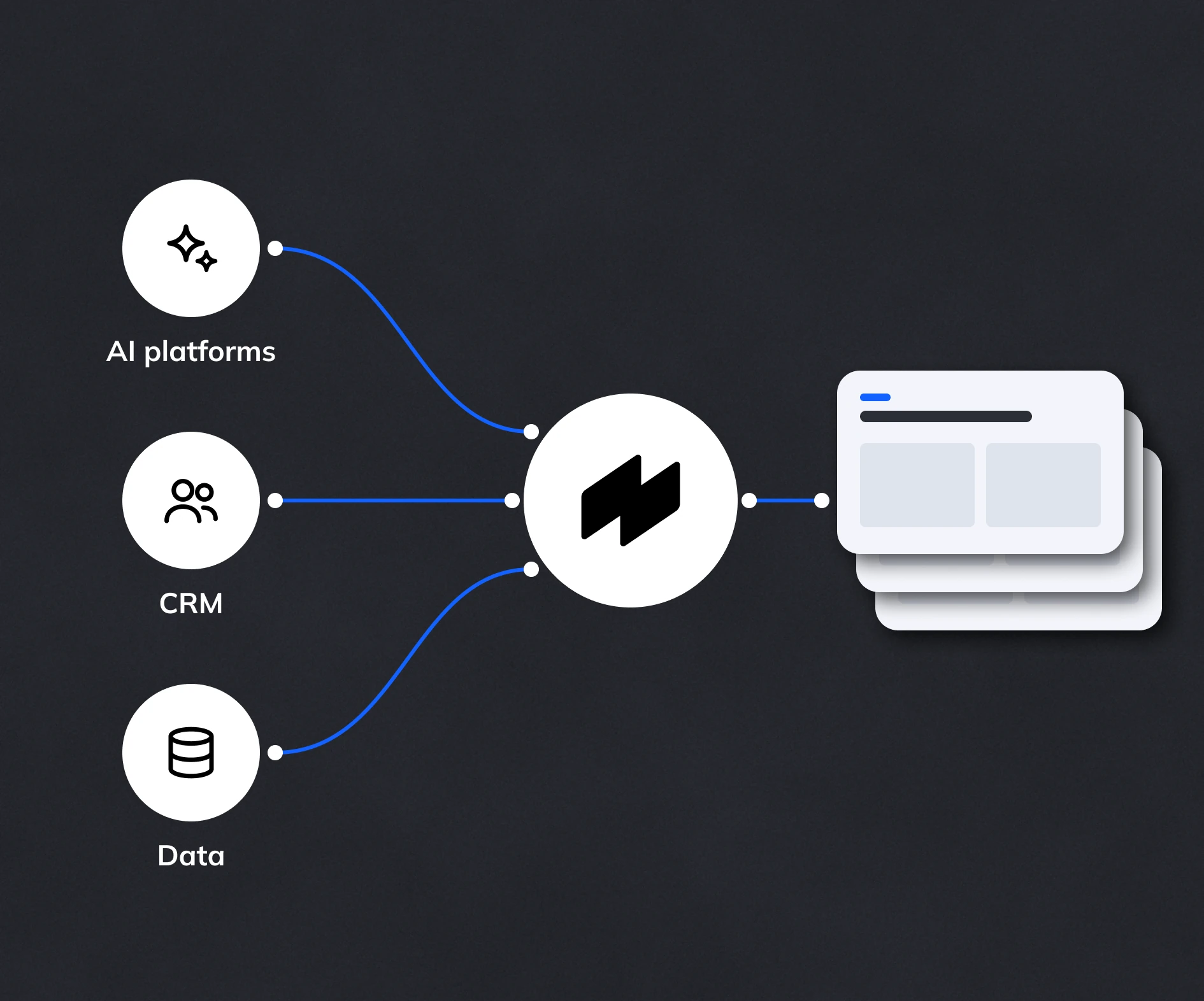
Connect AI tools and business data through MCP or APIs. Build fully automated workflows, from research and data retrieval to finished presentations.

Ensure consistent quality in presentations
Define and enforce standards
Manage and update requirements in one shared Studio. Zapdeck translates them into variables, components and verifiable rules to enforce standards across presentations.
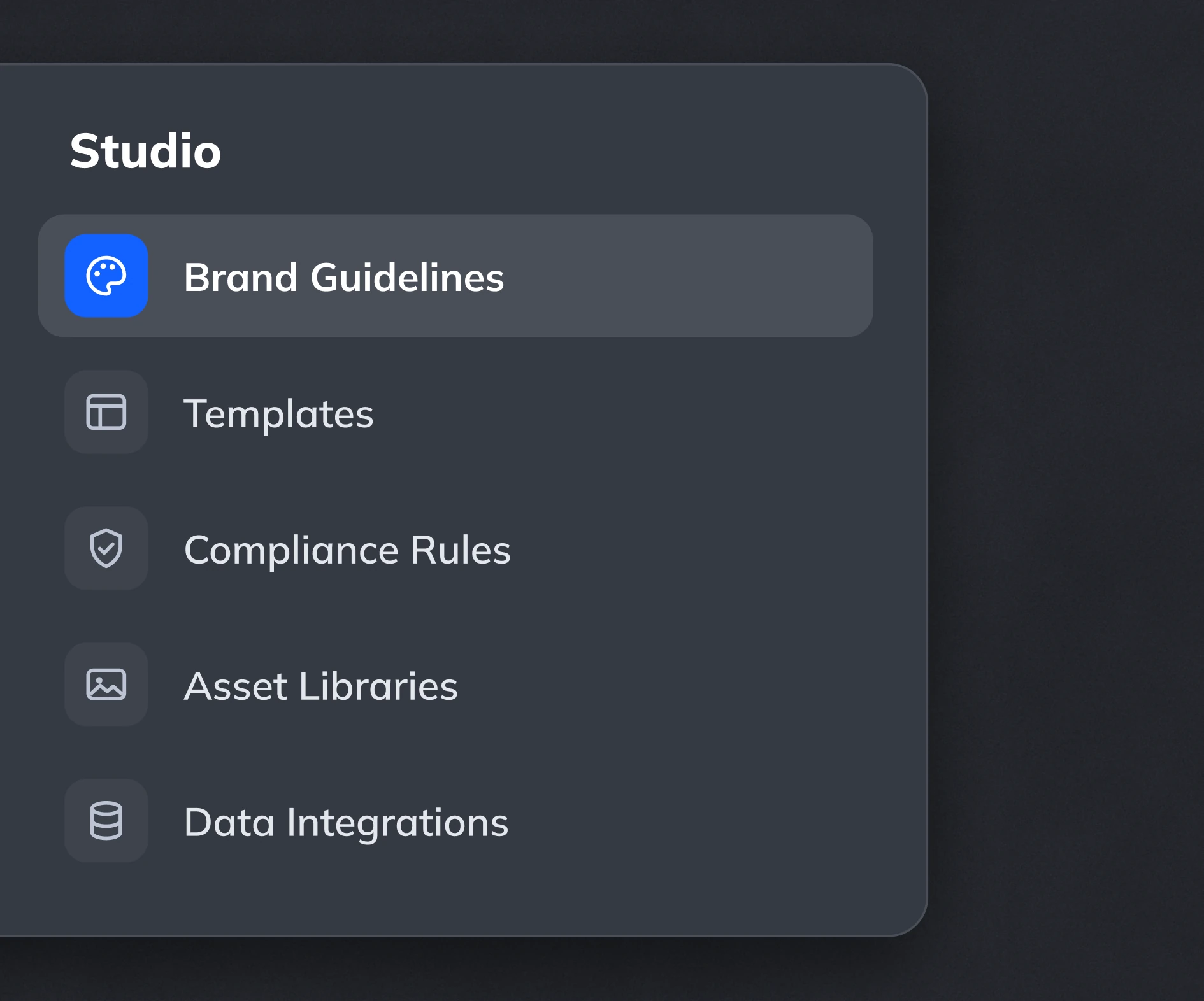
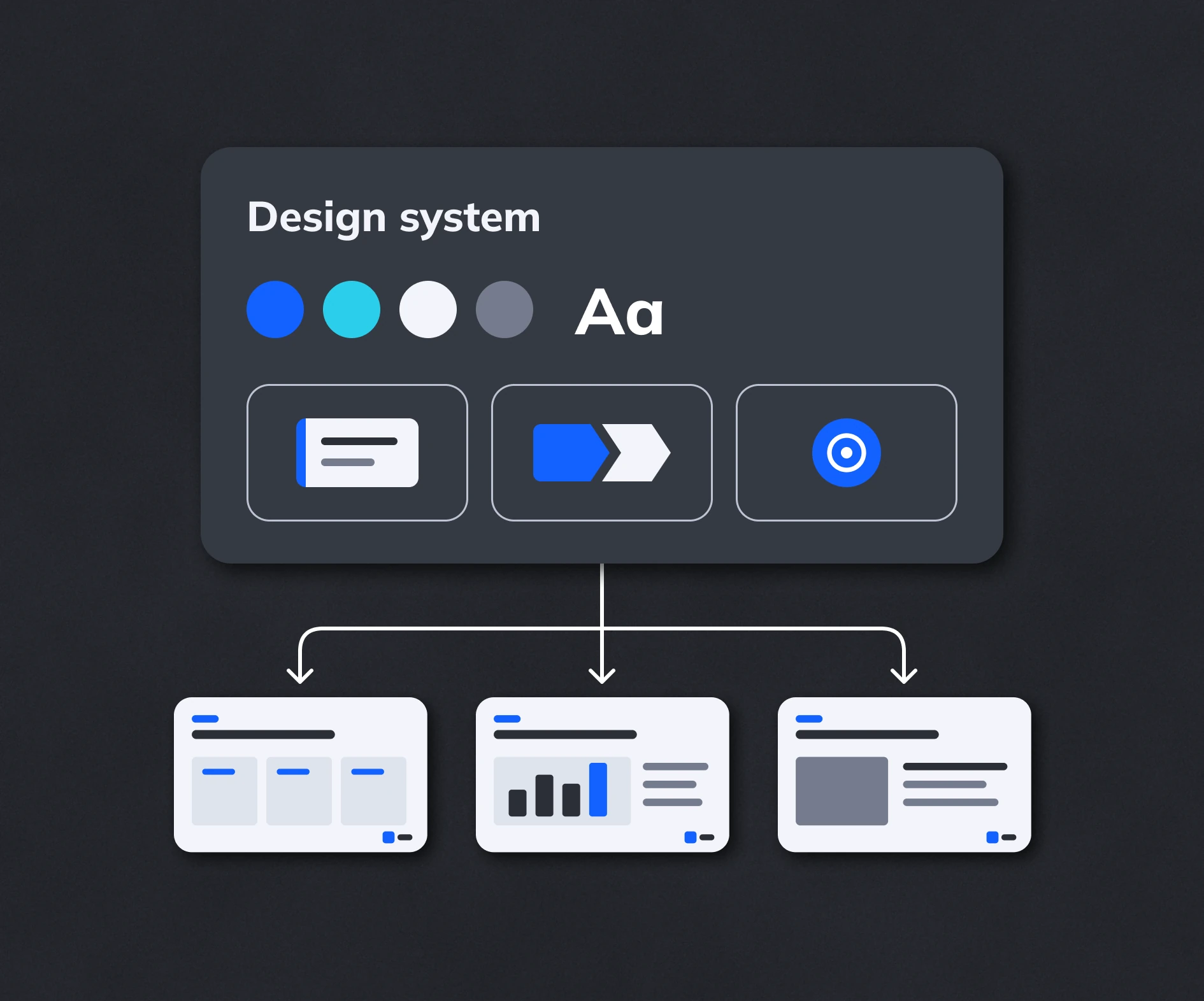
Keep your brand consistent
Our AI combines your design system with Zapdeck's component library and intelligent layouts to keep content and design on-brand and consistent within and across presentations.
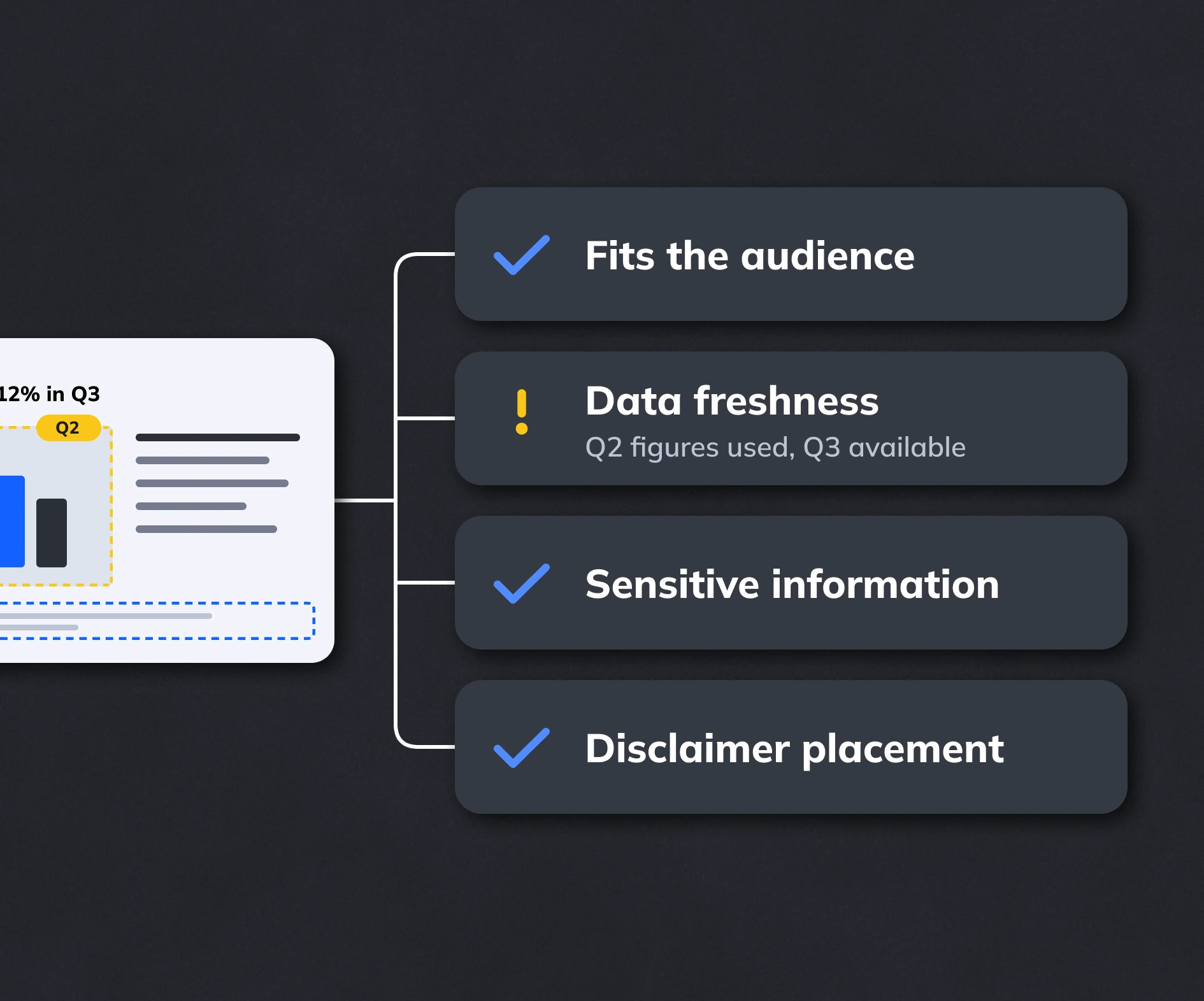
Ensure quality and compliance
Specialized Review Agents check your intended message, data freshness and sensitive information. Deterministic checks validate legal and compliance rules, including disclaimer placement.
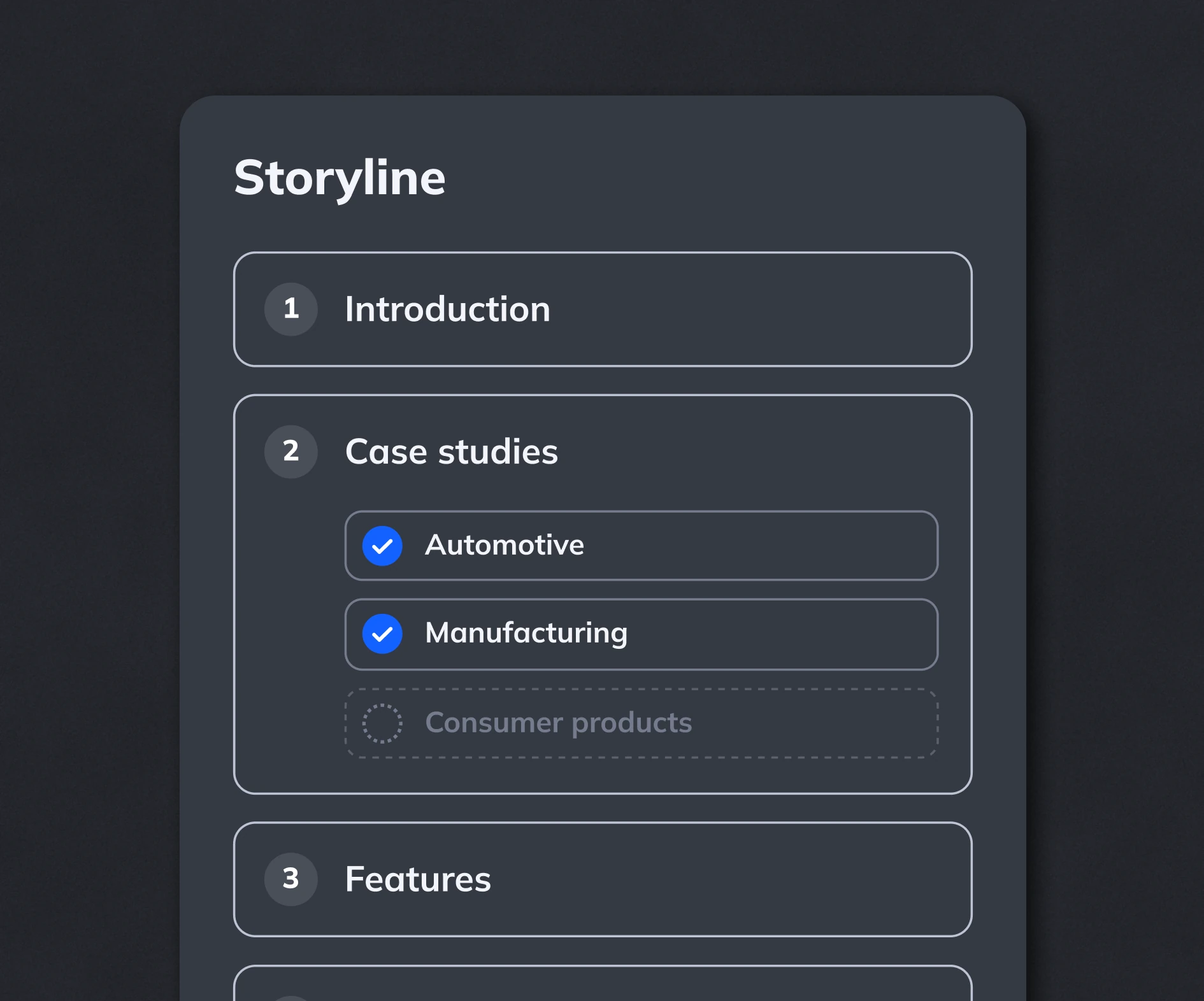
Personalize with control
Build storylines with paths, sections and approved content variants. Control how AI adapts content and design for each audience, with less manual review.
Connect your AI stack
Connect Zapdeck to your preferred AI tools, CRMs and data platforms through MCP or APIs. Build fully automated presentation workflows in the tools you already use.
.png)
Dramatic keynote slide with a deep burgundy background, oversized beige text in the back, and a centered black smart speaker overlapping the text. Clean, bold, Apple-style. 16:9.
.png)
Modern presentation slide with a muted green background and oversized light headline text. Small lifestyle image bottom left, short paragraph text on the right. Clean layout, minimal, slide number bottom right. 16:9.
.png)
Minimal dark slide with large bold headline at the top and a centered product photo below it. Strong contrast, lots of negative space, premium tech keynote style. Slide number bottom right. 16:9.
.png)
Clean light purple presentation slide with a headline top left, short description text, and two large content blocks side by side. Minimal UI-style layout, structured grid, modern branding. 16:9.


Design that fits your message
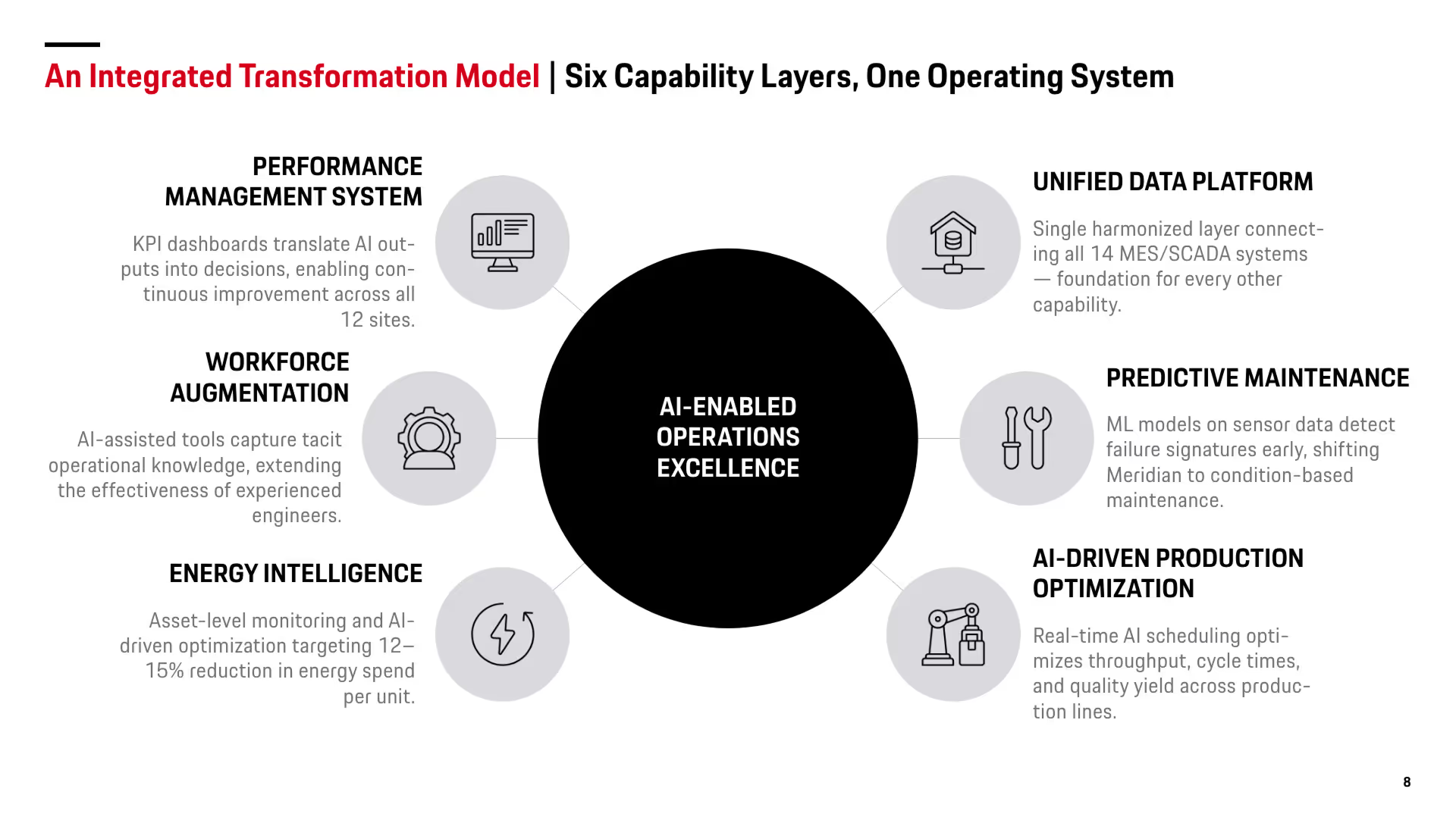
Dramatic keynote slide with a deep burgundy background, oversized beige text in the back, and a centered black smart speaker overlapping the text. Clean, bold, Apple-style. 16:9.
.avif)
Modern presentation slide with a muted green background and oversized light headline text. Small lifestyle image bottom left, short paragraph text on the right. Clean layout, minimal, slide number bottom right. 16:9.
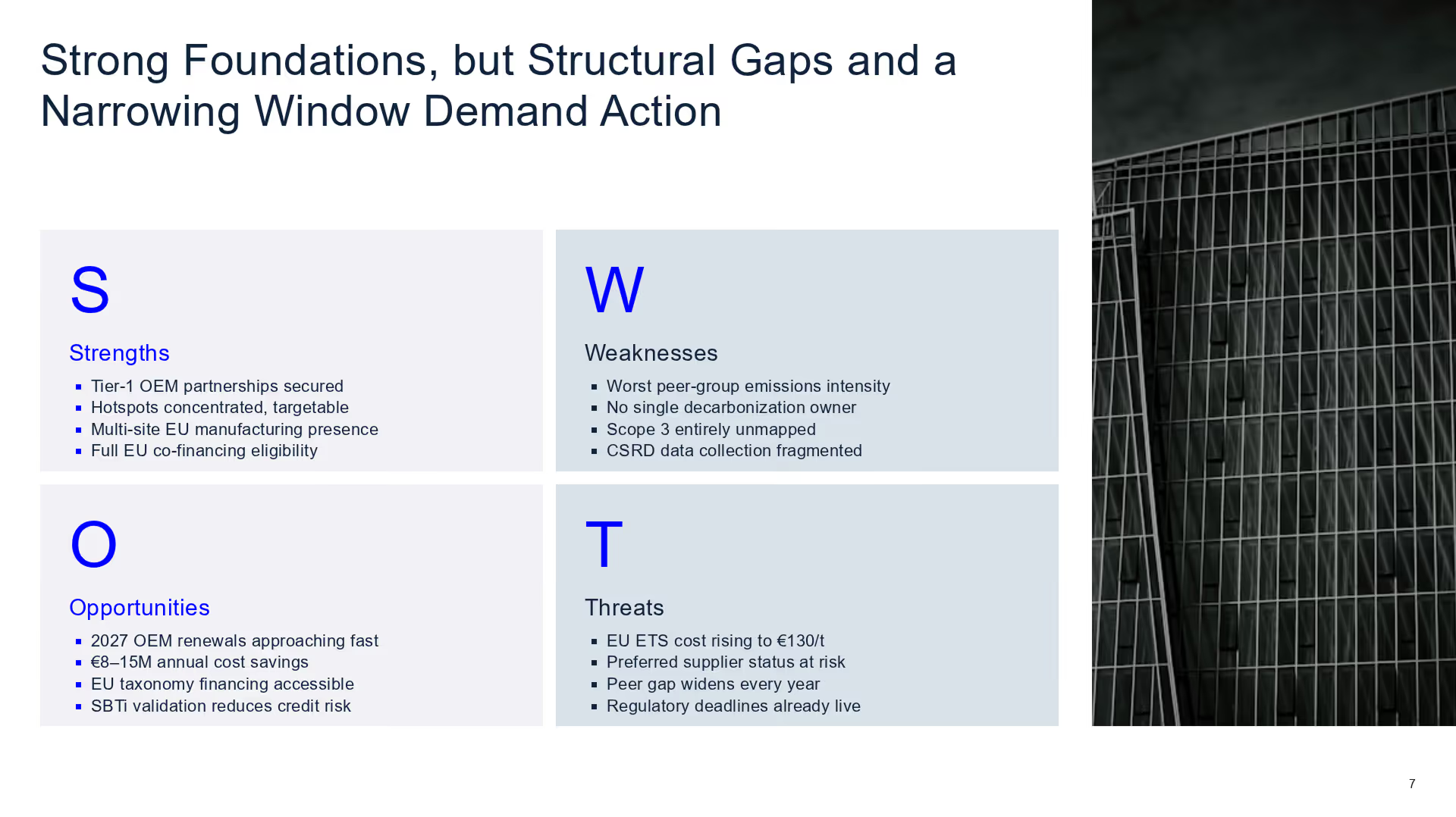
Minimal dark slide with large bold headline at the top and a centered product photo below it. Strong contrast, lots of negative space, premium tech keynote style. Slide number bottom right. 16:9.
.avif)
Clean light purple presentation slide with a headline top left, short description text, and two large content blocks side by side. Minimal UI-style layout, structured grid, modern branding. 16:9.
.avif)
Clean light purple presentation slide with a headline top left, short description text, and two large content blocks side by side. Minimal UI-style layout, structured grid, modern branding. 16:9.
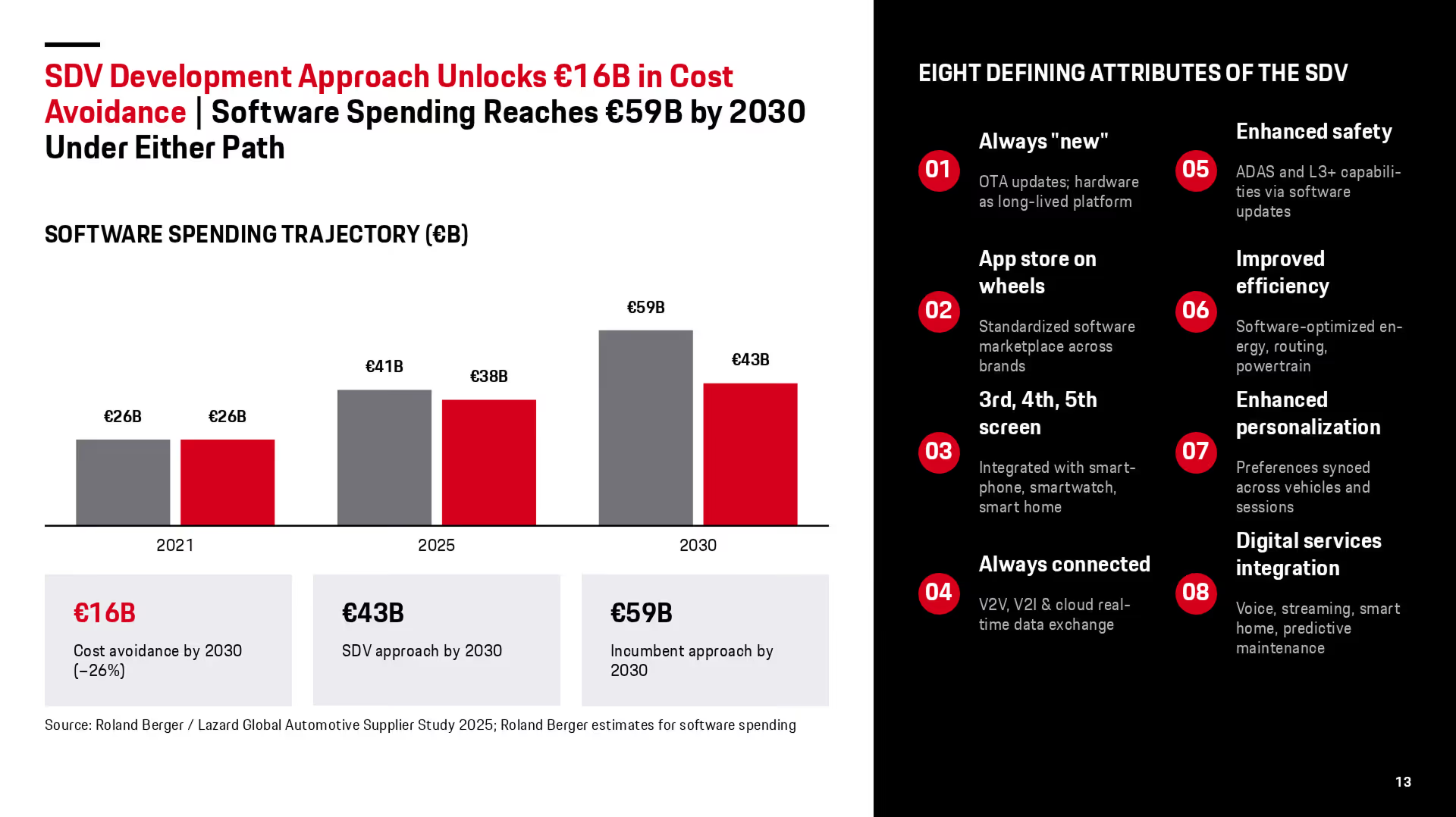
Clean light purple presentation slide with a headline top left, short description text, and two large content blocks side by side. Minimal UI-style layout, structured grid, modern branding. 16:9.
.avif)
Clean light purple presentation slide with a headline top left, short description text, and two large content blocks side by side. Minimal UI-style layout, structured grid, modern branding. 16:9.
.avif)
Clean light purple presentation slide with a headline top left, short description text, and two large content blocks side by side. Minimal UI-style layout, structured grid, modern branding. 16:9.
Built for your use cases
Automated reporting
Create recurring reports from connected data platforms, Excel or CSV files. Source-linked variables, predefined storylines and custom charts keep numbers and design consistent.
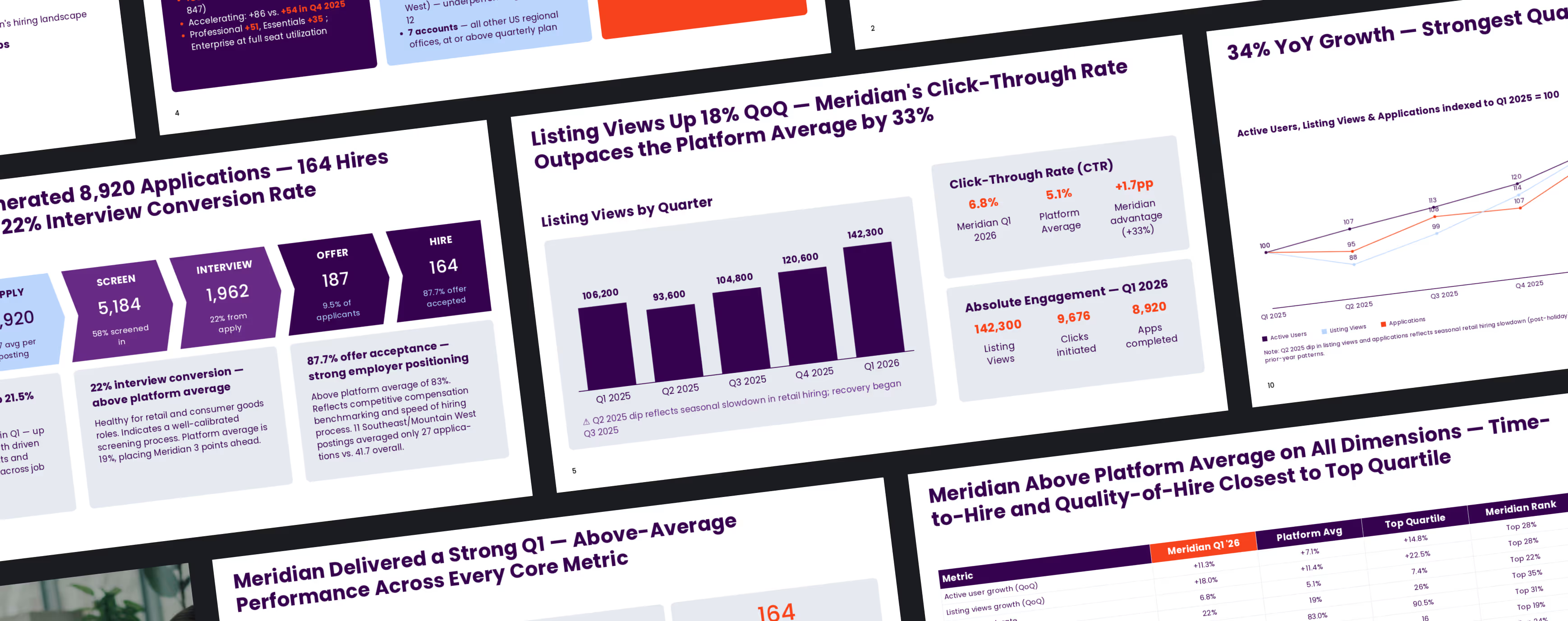
Management & strategy
Use Plan Mode to develop an effective storyline with AI. Turn complex data and documents into board-ready presentations focused on the decisions your audience needs to make.
.avif)
Sales presentations
Personalize sales decks using approved content and reusable storylines. Tailor the message to each customer while keeping product information and branding consistent.
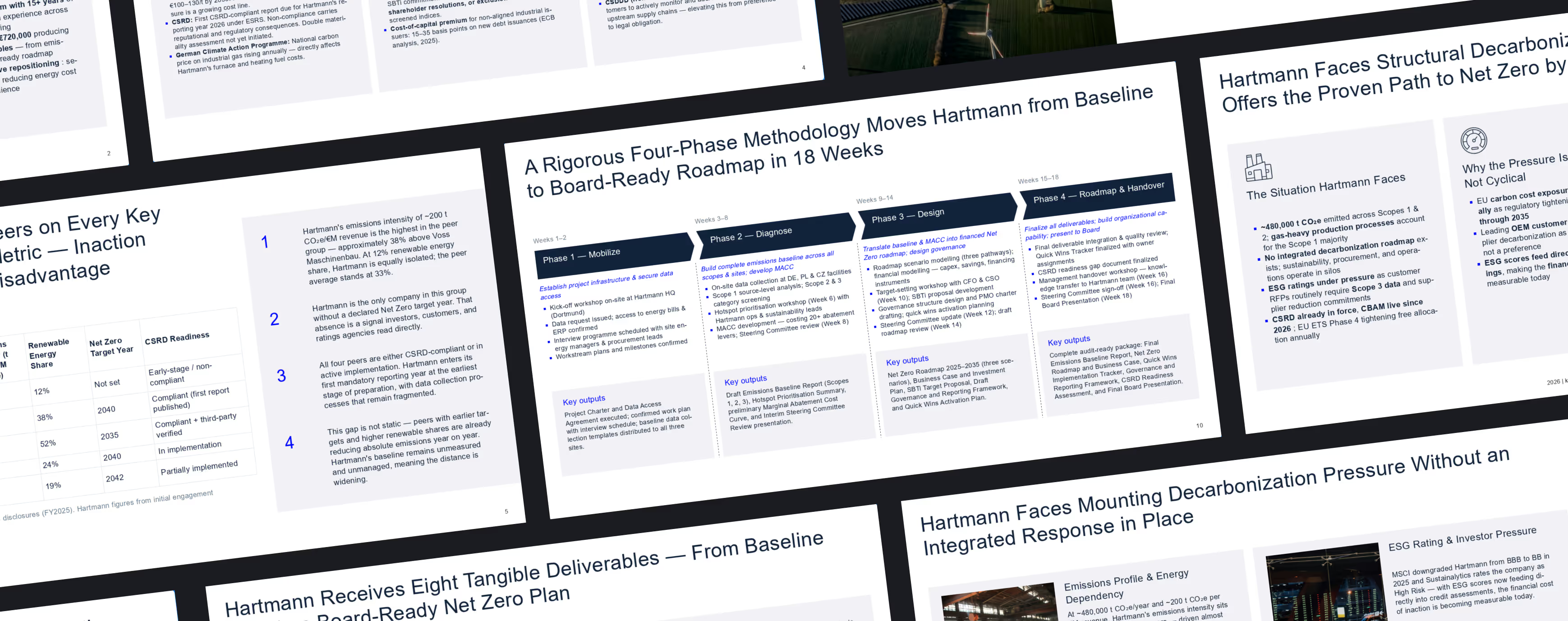
Learning & development
Turn company knowledge into structured training presentations. Adapt content to each audience with consistent explanations and design.
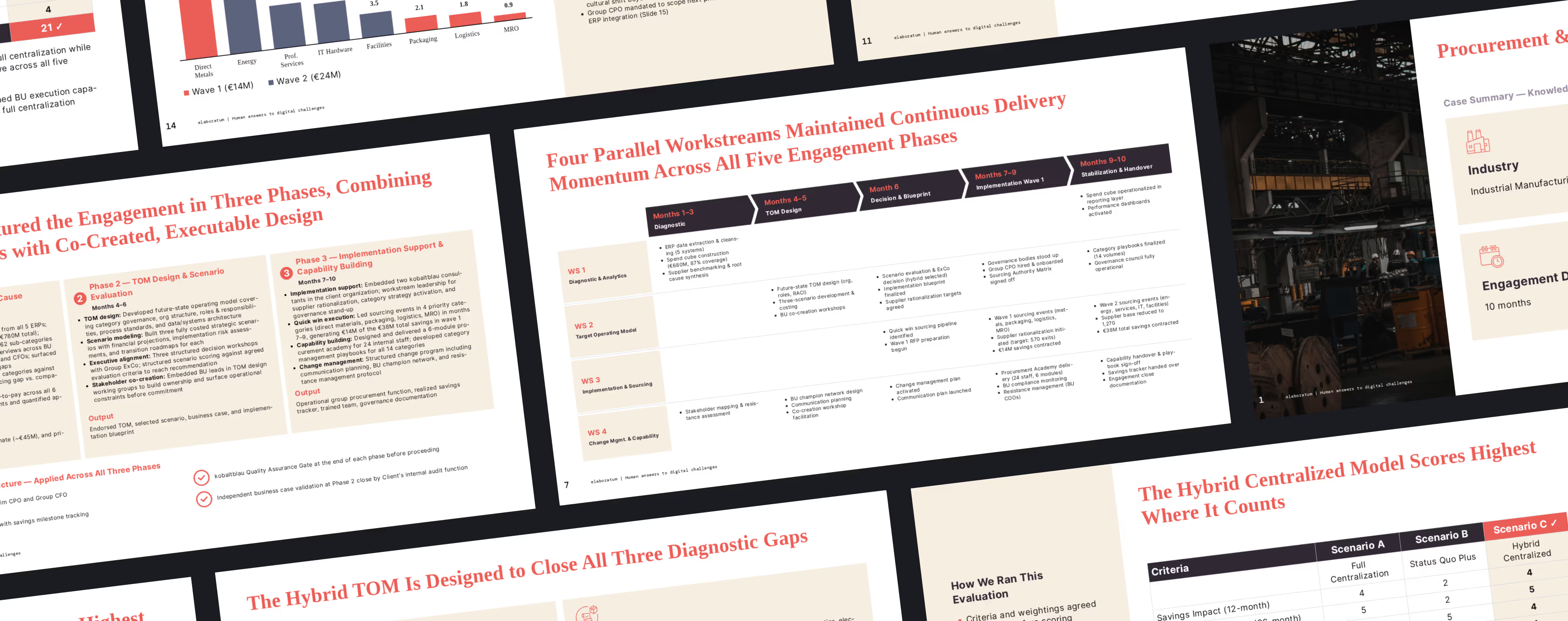
Brand updates
Bring existing presentations into your new brand. Rebuild slides with consistent layouts, colors and typography, then refine the content in your Workspace.
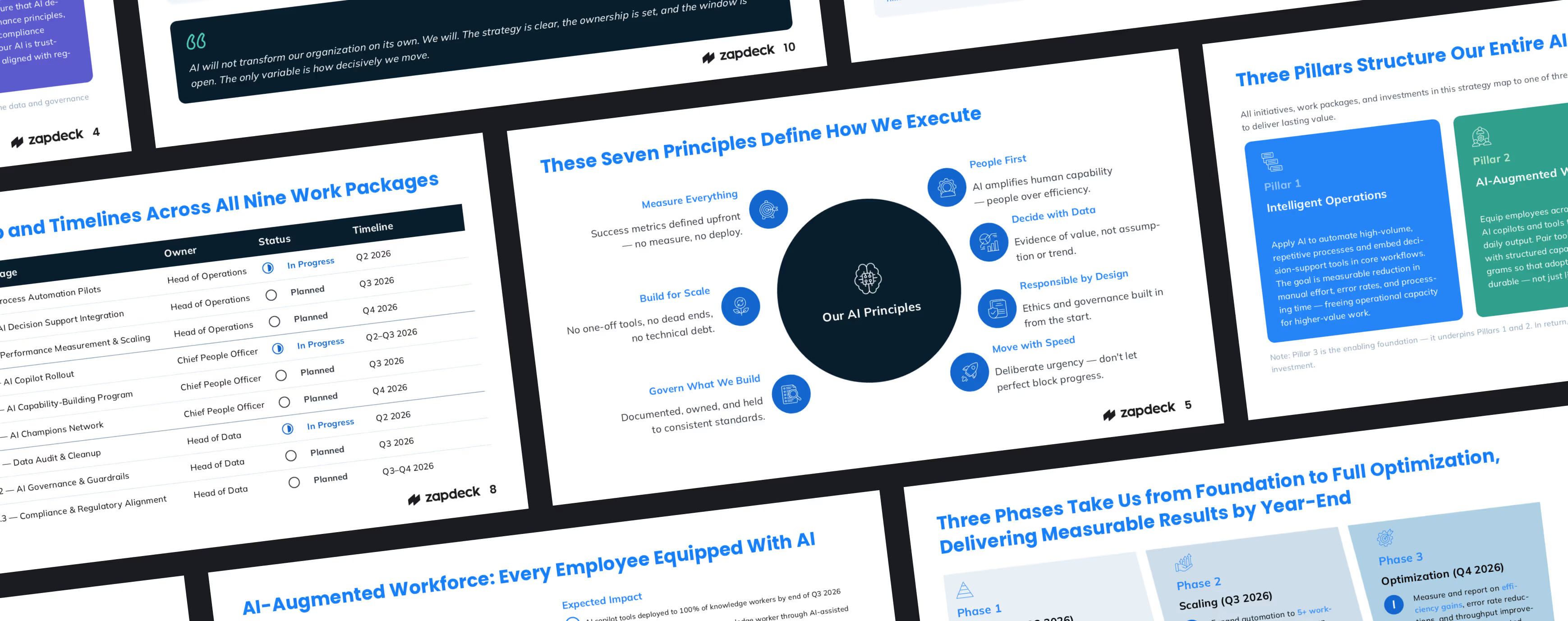
Protect your business data

GDPR Compliant

EU Data Residency

ISO 27001 Certified (Soon)
Frequently asked questions
How is Zapdeck different from Claude or Copilot?

Claude and Copilot generate output by interpreting prompts, skills and context. Zapdeck goes further by turning company standards into a structured, versioned system with enforceable rules and deterministic checks. This makes AI-generated presentations more reliable and reduces manual review effort — without companies having to build and maintain their own control infrastructure.
How does the Control System work?
In Zapdeck Studio, admins manage approved content modules, storylines, design components, data variables and rules. Zapdeck combines these elements to generate, personalize and validate presentations. AI also helps admins keep the system up to date by identifying outdated information, recurring user corrections and changing requirements, then proposing improvements for approval. This allows the system to continuously learn from actual usage while keeping humans in control.
Can we use our own PowerPoint master?
Yes. We use your existing PowerPoint master and sample decks to configure your design system, including layouts, typography and brand rules. Presentations export into your master as fully editable PowerPoint slides, so your team can continue working in its familiar format.
Can we use Zapdeck inside PowerPoint?
Yes. An MCP integration lets you call Zapdeck from Copilot inside PowerPoint. You can also import existing PowerPoint slides with their exact design and export complete presentations as standard PowerPoint files. Text, charts, icons and other slide elements remain fully editable in PowerPoint.
How do we connect our existing tools?
Connect through our MCP server or custom API integrations. This lets you use Zapdeck from AI platforms such as Claude or Copilot, bring in data from CRMs and data platforms, and build fully automated presentation workflows. We help configure the connection around your tools and data.
How is our business data protected?
Data is processed exclusively in the EU and is not used to train AI models. On-premise deployment is available for organizations that need to run Zapdeck within their own infrastructure. We can review hosting, access controls and security requirements with your IT team.
How is Zapdeck billed?
Zapdeck uses annual, seat-based subscriptions with included AI capacity that resets weekly. Choose seats for different usage needs and add seats or AI capacity as your team grows. MCP/API access is included; high-volume automated usage may be priced separately. Contact us for the right setup for your team.
.avif)
.png)


.png)
.png)
.png)
.png)
.png)
.png)


